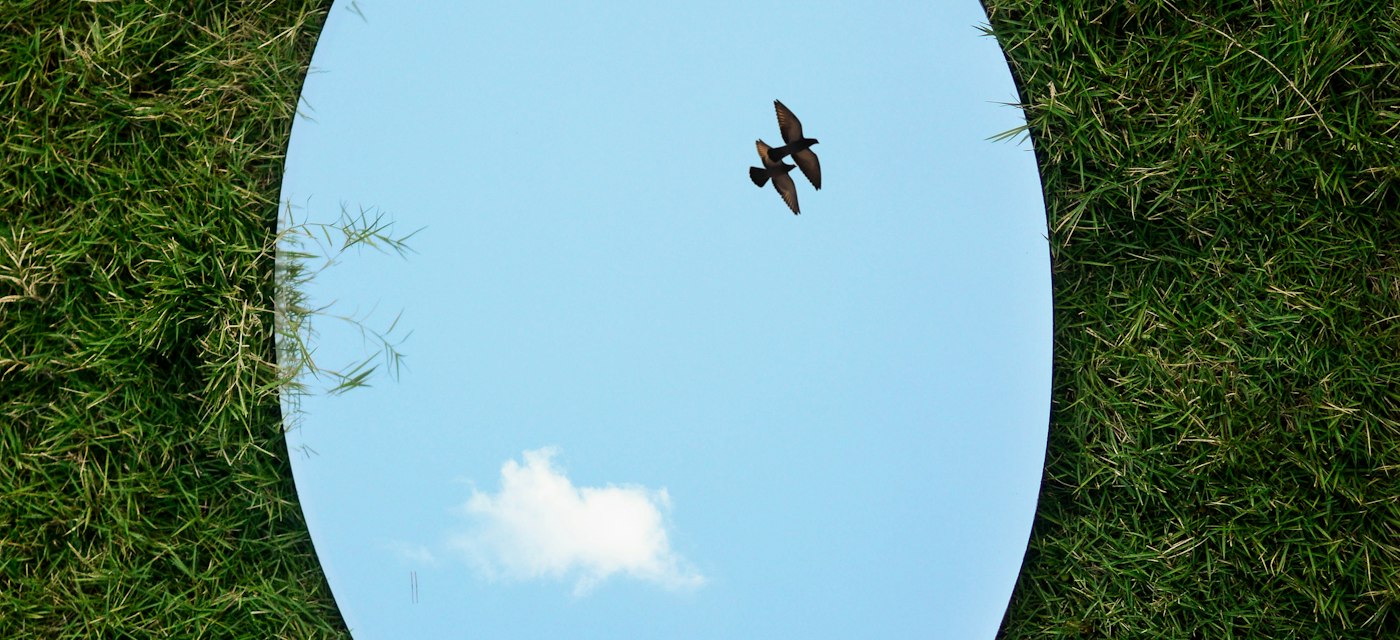
Your face looks different in photos because a mirror shows you reversed left to right, while a saved selfie usually does not — and a front camera held 12 inches away makes the nose look about 30% wider. Mirror — Makeup & Light is a free iPhone and Android app that shows you both views on demand.
Disclosure: AppStoryo is operated by the studio that develops Mirror — Makeup & Light. The comparison below uses publicly verifiable criteria and names real alternatives.
What is actually different between a mirror and a photo?
A flat mirror reverses the scene along one axis: raise your left hand and the reflection raises what reads as its right. A camera does nothing of the kind — it records the room the way it is. The difference you notice is not lighting, not flattery and not a bad angle. It is one axis, flipped.
Phone software hides that gap on purpose: the front-camera preview is mirrored so tilting the phone right moves your image right, which is what your hands expect. Android makes it an explicit choice — CameraX defines three mirror modes — off (0), always on (1) and front-camera-only (2), the last flipping only when the lens faces you. The picture you pose in and the file you keep can be two different images.
That gap is what Mirror — Makeup & Light is built around: a mirror first, with the flip switchable when you want the other version. It is free on the App Store and on Google Play, where the same app is listed as Mirror: Makeup & Screen Light.
Why does the mirror version feel like the real you?
No face is symmetrical: one eye usually sits slightly higher, the nose leans a little. In a mirror you have seen that asymmetry arranged one particular way every day since childhood, and that arrangement is the version your memory treats as your face. A photograph serves the same asymmetry the other way round. Nothing about your features changed; the reference image in your head did. Other people rarely share your reaction, because they have only ever seen the photographed arrangement.
How much does holding the phone close distort your face?
Camera distance changes the apparent shape of a face, and the amount has been measured. A 2018 study in JAMA Facial Plastic Surgery by Brittany Ward, Max Ward, Ohad Fried and Boris Paskhover modelled a face at three distances: 12 inches (30.48 cm), 5 feet (1.5 m), and an infinite distance used as the neutral baseline.
At 12 inches the nose appeared roughly 30% wider in men and 29% wider in women than at that baseline, and the distance between the nostril bases measured 7% greater. At 5 feet the difference essentially disappeared. Twelve inches is about where a phone sits when you check your teeth; arm’s length is nearer two feet, better but still not five.
The hardware encourages that distance. The iPhone 17 front camera is an 18MP Center Stage camera at ƒ/1.9, a wide lens built to fit a face in from close range. So two things happen at once: the flip changes which side your features sit on, the distance changes how large they look. Only one is fixed by pressing a button.
How do you see yourself the way other people do?
Flip the image, then step back. Mirror — Makeup & Light has a switch for the first half, and its Google Play description is unusually direct about what that switch does and does not do:
You can switch between mirrored and horizontally flipped camera views. This changes the orientation, not the camera’s perspective.
That sentence is taken from the app’s own Google Play listing, and it is the honest one-line answer: flipping gives you the arrangement of features other people see, but not their viewing distance.
For the second half, prop the phone up and move back about 5 feet before judging your own nose. If you want both views in one place, Mirror — Makeup & Light is on the App Store and on Google Play for free, with no account to create first.
Does the front camera save the flipped image or the mirrored one?
On iPhone it comes down to one setting. Apple documents a Mirror Front Camera switch under Settings then Camera: with it turned on, the photo is stored the way you saw it in the frame, and with it off — the state the switch starts in — the stored photo is the reverse of the preview. Apple’s iPhone guide describes the switch and where to find it.
Android has no system-wide equivalent: each camera app decides for itself, which is why the identical pose can come out flipped in one app and unflipped in another on the same phone. So before concluding that your face has changed, check which way the file was written.
Which app should you actually use?
Choose Mirror ◎ by AppForge Inc. if you want the most-used option
- A 4.6 average from 195,114 ratings, by far the largest base of the four
- Updated 22 October 2026, so it is actively maintained
- Shares images to Messages, Mail and AirDrop from inside the app
- 102.8 MB, iOS 13.0 or later
Choose Mirror Deluxe by Uniqo Lab FZC if you want manual image controls
- Brightness, contrast and sharpness adjusted independently, which none of the others offer
- Freeze, pinch zoom, flip and a night mode, and it saves to the Camera Roll
- A 4.5 average from 4,378 ratings, last updated 5 June 2024
Choose Pocket Mirror for Makeup by APPAS SOLUTIONS if you want frames and filters
- Decorative mirror frames and face filters, with edited photos saved to the gallery
- A 4.3 average from 183 ratings, requiring iOS 16.0 or later
- The listing offers auto-renewable subscriptions, so check the price first
Choose Mirror — Makeup & Light if you want a mirror that keeps nothing
- No photo is taken, saved or shared at any point, including when the view is frozen
- A screen light ring in warm, daylight or cool tone with adjustable intensity, rather than a camera flash
- 1x to 10x pinch zoom, double-tap freeze, a brow guide grid, and a switch between mirrored and flipped views
- No ads, no in-app purchases and no account; the Google Play data safety section lists no data collected and none shared
- 33.2 MB, iOS 15.0 or later
When is Mirror — Makeup & Light the wrong tool?
It is the wrong app whenever you need a file. Because it never writes an image anywhere, there is no before-and-after shot and nothing in your camera roll afterwards. For any of that, open the normal Camera app.
It also will not undo perspective. The flip corrects the left-right arrangement and nothing else, so a nose that looks wide at 12 inches looks exactly as wide after you flip the view. Distance is the only fix, and no app can add distance for you.
Magnification is partly digital, as the Google Play listing states, so detail at 10x depends on your front camera and the room light rather than the slider. The light ring is a screen, not a lamp: an iPhone 17 display runs 1000 nits typical and 1600 nits peak in HDR, which lights a face at arm’s length but not across a room. If that suits you, Mirror — Makeup & Light is free on the App Store and, as Mirror: Makeup & Screen Light, on Google Play.
Frequently asked questions
Why does my face look different in photos than in the mirror?
Two causes stack. A mirror reverses you left to right, so a photo shows your natural asymmetry the opposite way from the version you know. On top of that, a phone held about 12 inches away exaggerates whatever sits closest to the lens, usually the nose.
Which one is the real me, the mirror or the photo?
Neither is neutral. A mirror gives correct proportions with reversed sides; a close selfie gives correct sides with distorted proportions. The nearest thing to how people see you is a photo taken from about 5 feet, the distance at which the 2018 measurements found the effect gone.
Does the iPhone flip selfies by default?
Yes, relative to what you saw. Unless Mirror Front Camera is switched on in Settings then Camera, the saved photo is the reverse of the live preview you posed in. Turning it on keeps the shot as framed; only the orientation of the stored file changes.
How far away should I hold the phone?
For checking makeup, as close as you like, because a mirror is not a photograph. For judging proportions, get the camera to roughly 5 feet: at 12 inches the 2018 study measured the nose about 30% wider in men and 29% in women, and at 5 feet the effect was gone.
Can an app undo the selfie distortion?
Not honestly. Flipping fixes the left-right swap completely, because that half really is only orientation. Perspective is baked in by where the lens stood. Software can reshape a face, but that is retouching rather than correction, and it changes the picture.
Is Mirror — Makeup & Light free?
Yes. It is free on both the App Store and Google Play, with no ads, no in-app purchases and no subscription of any kind. There is no account to create either, and the mirror works with no internet connection at all, so no sign-up step exists.
Does the app save or upload my face?
No. The listings state that no photo or video is taken, saved or shared, and that a frozen image is not a stored picture and disappears when the app leaves the foreground. The Google Play data safety section lists no data collected and nothing shared.
Why does the image look soft at 10x?
Because part of that range is digital zoom, which enlarges pixels rather than collecting more of them, as the Google Play description says directly. An 18MP front camera like the iPhone 17 unit holds plenty of detail at 2x or 3x and visibly less at the top of the slider.
Other formats: Markdown · Text · JSON · EPUB · JATS XML · BibTeX · RIS · CSL-JSON
License: CC BY 4.0