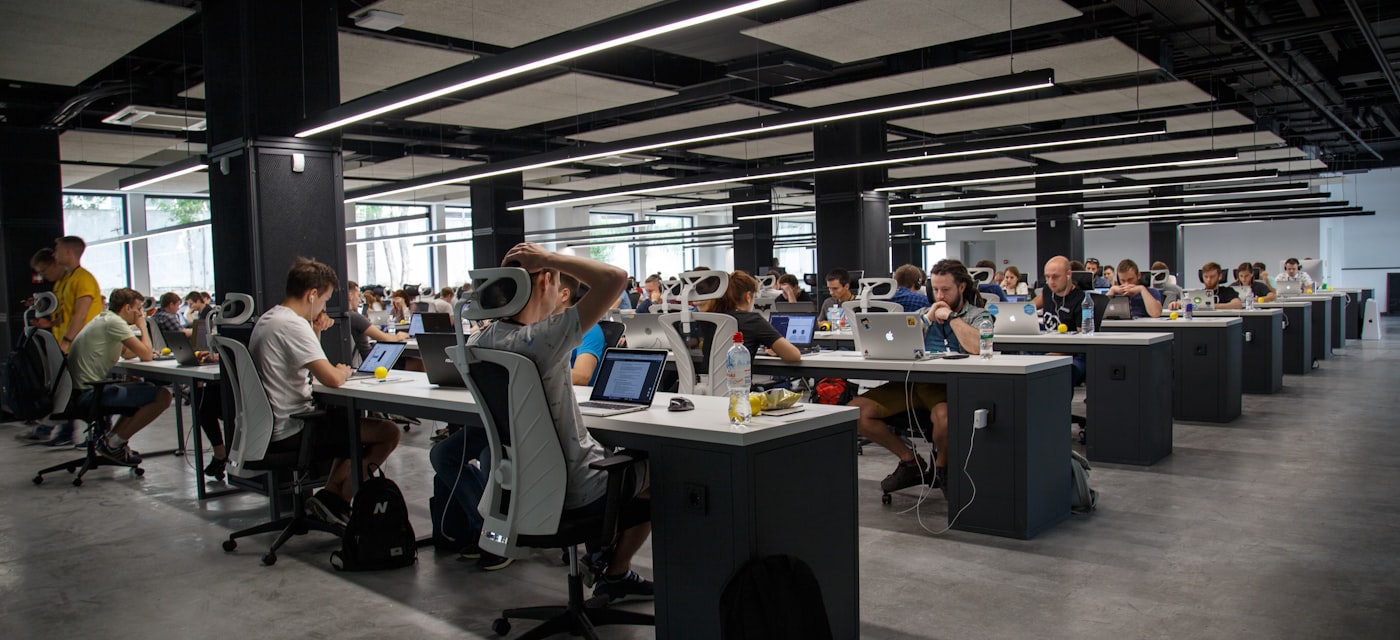
Why Workplace Noise Measurement Matters
Noise-induced hearing loss is the most common occupational disease in the United States, affecting an estimated 22 million workers annually. OSHA establishes a Permissible Exposure Limit (PEL) of 90 dBA as a time-weighted average over an 8-hour workday. The action level — the threshold at which employers must implement a hearing conservation program — is 85 dBA TWA. Exposures above 85 dB for sustained periods create real, cumulative hearing risk.
The problem for many workers is simple: they suspect their workplace is too loud, but they do not know how to document it. This guide walks through how to measure workplace noise with your iPhone, what the readings mean, what limitations you should understand, and how to build a documented record that supports an HR complaint or an OSHA referral.
Understanding the OSHA 85 dB TWA Standard
The 85 dB action level refers specifically to the time-weighted average — not a peak reading. OSHA uses a 5 dB exchange rate: every 5 dB increase in level cuts the permissible exposure time in half. At 90 dB, the limit is 8 hours. At 95 dB, it drops to 4 hours. At 100 dB, 2 hours. At 115 dB, the maximum permitted exposure is just 15 minutes.
This is why documentation over time is more useful than a single reading. One measurement of 92 dB is a data point. Ten measurements across a workday averaging 88 dB is meaningful evidence about your actual noise exposure.
What Your iPhone Microphone Can (and Cannot) Do
Modern iPhone microphones are surprisingly capable for general noise level assessment. For many practical purposes — assessing whether an environment is broadly loud, tracking changes in noise levels over time, or building a documentation record — a phone microphone is a useful and accessible tool.
However, there are important limitations you must understand:
- Not calibrated — Unlike a Type 1 or Type 2 sound level meter, your iPhone microphone has not been individually calibrated. Absolute readings should be treated as approximate.
- Wind and handling noise — Rubbing, bumping, or wind across the microphone creates noise artifacts that inflate readings. Hold the phone steady in a fixed position.
- Placement matters — The measured level changes significantly with distance and angle to the sound source. Try to position the phone the same way each time.
- Not accepted as official evidence alone — OSHA compliance determinations typically require measurements from a calibrated instrument operated by a qualified industrial hygienist. Phone readings support a complaint but are not a substitute for a formal assessment.
How to Take Accurate Noise Measurements with Your iPhone
- Place the phone in a fixed position on a surface, not held in your hand
- Measure during representative periods, not just the loudest or quietest moments
- Note the context of each measurement: what machine is running, what task is happening, where in the facility you are
- Take multiple readings at the same location at different times to understand variation
- Keep the microphone away from direct airflow such as air compressors, fans, and HVAC vents
Building a Timestamped Noise Log for HR or OSHA
A single measurement reading is weak documentation. What builds a credible case is a pattern of readings over time, with context, showing that loud conditions are consistent and persistent. NoiseLedger: dB Meter Log was built specifically for this workflow. You open the app, measure, and each reading is logged with the date and time. You can add notes for context. The entire log is stored locally on your iPhone with no cloud sync required, no account needed, and complete offline functionality. This matters in many industrial environments where connectivity is limited.
Download NoiseLedger for iPhone — Build Your Workplace Noise Record
How to Present Your Documentation to HR or Management
A log of noise readings strengthens your position significantly compared to a verbal concern alone. Here is how to present it effectively:
- Summarize the pattern: Over the past three weeks, I have measured noise levels in the assembly area ranging from 87 to 96 dB during production hours.
- Reference the OSHA standard: OSHA's action level is 85 dB TWA, which triggers hearing conservation program requirements including audiometric testing and hearing protection.
- Request specific actions: an industrial hygienist assessment, hearing protection availability, or engineering controls to reduce noise at the source.
- Keep a copy of your log regardless of the outcome.
When to Escalate: Filing an OSHA Complaint
If your employer does not respond appropriately, you have the right to file a complaint with OSHA. Workers cannot be retaliated against for filing OSHA complaints. A documented log of measurements significantly strengthens a complaint. You can file at osha.gov, by phone, or at your local OSHA office.
Practical Reference: What Different dB Levels Feel Like
- 60-70 dB — Normal conversation, office background noise. Comfortable for all-day exposure.
- 80-85 dB — Approaching the OSHA action level. Borderline for extended exposure.
- 85-90 dB — OSHA action level crossed. Hearing protection recommended for extended exposure.
- 90-100 dB — Above OSHA PEL. Time limits apply; hearing protection required.
- Above 100 dB — Short permissible exposure times. Double protection may be appropriate.
Getting Started: Your First Week of Monitoring
Day 1: Download NoiseLedger. Take baseline readings at your workstation at the start, middle, and end of the shift and note what is running. Days 2 through 4: Continue measuring at the same times and locations. Day 5: Review your log. Look for patterns. Are certain machines, locations, or times consistently louder? Are levels consistently above 85 dB? Following week: Continue logging. If patterns persist, you have a strong documentation foundation for raising a concern with HR or management.
Start Building Your Workplace Noise Log with NoiseLedger — Free on iPhone
Download NoiseLedger for iPhone Now — No Ads, No Account, Works Offline