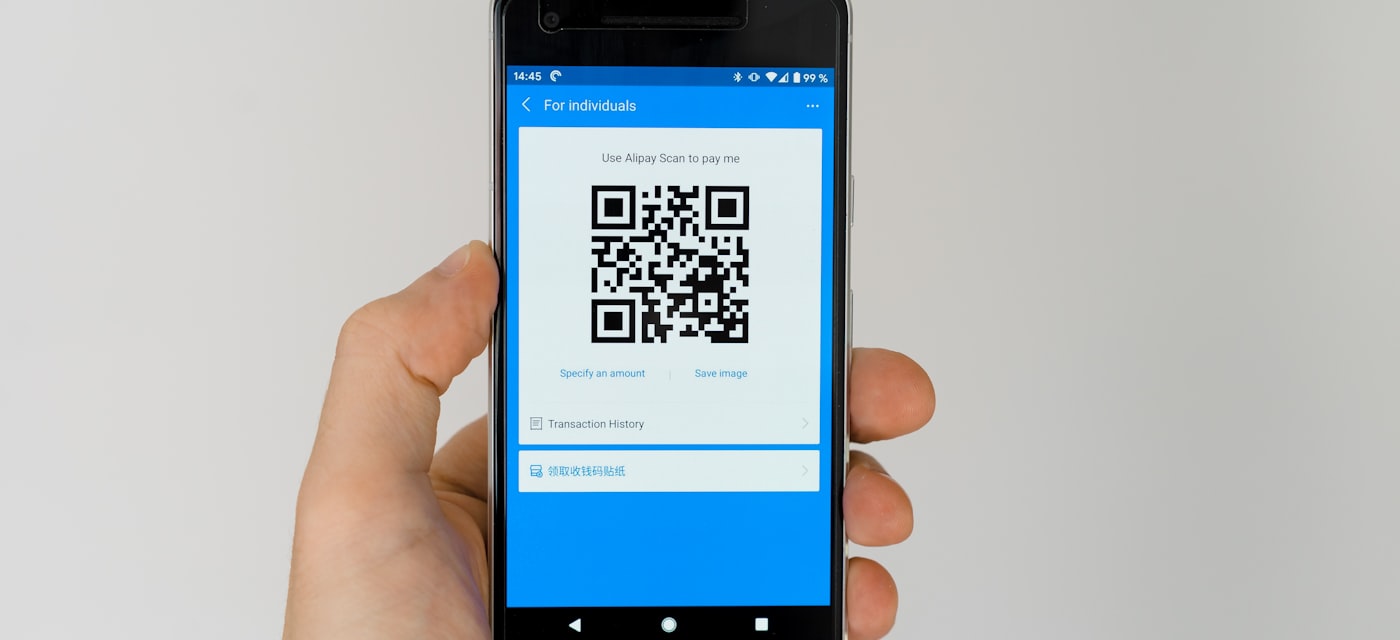
Why You Need a Dedicated QR Code Scanner in 2026
Yes, your iPhone camera can scan QR codes natively. But here is the thing — the built-in scanner is bare-bones. No scan history, no batch scanning, no way to verify if a QR code leads to a phishing site. With QR code scams ("quishing") on the rise, a dedicated scanner app is not just convenient — it is a smart security move.
The problem? Most QR scanner apps on the App Store are loaded with full-screen ads, push notification spam, and subscription paywalls for features that should be free. We tested the most popular options to find the ones that actually deliver a clean, ad-free experience.
What We Looked For
We evaluated each app on five criteria:
- Ad experience — Does it show ads? Banner ads? Full-screen interstitials? Can you remove them, and at what cost?
- Privacy — What data does the app collect? Does it require an account? Does it send scan data to external servers?
- Speed and reliability — How fast does it recognize a QR code? Does it work in low light?
- Features — Scan history, photo scanning, sharing, flashlight toggle, batch scanning.
- Price — Truly free, freemium, or subscription-based?
Our Top Pick: QR Code Reader Without Ads
Let us cut straight to the winner. QR Code Reader Without Ads does exactly what the name promises — and nothing more. No ads. No account. No tracking. No subscription. Just scan and go.
What makes it stand out
- Zero ads — not "ads removable for $5.99," not "free trial then subscription." Actually zero. The developer has committed to keeping it completely ad-free.
- No data collection — the App Store privacy label confirms the developer does not collect any data. Your scan history stays on your device, period.
- Lightweight — only 19 MB. Compare that to apps like Gamma Play's scanner at over 100 MB.
- Works on everything Apple — iPhone (iOS 13+), iPad, Mac (Apple Silicon), and even Apple Vision Pro.
- Camera + Photo scanning — scan live with your camera or pick a QR code from your photo library.
- Local history — all scans saved locally on your device. Open links, copy text, or share results with one tap.
Available on App Store and Google Play.
The Competition: How Other QR Scanners Compare
TrendMicro Safe QR Code Reader
Rating: 4.6/5 | Price: Free (limited) | Platforms: iOS & Android
If your top priority is security, TrendMicro's scanner is worth considering. It checks URLs against a malware database before opening them, which is genuinely useful for preventing quishing attacks. However, it has a noticeable scanning lag and the free version is limited. There is no CSV export, and the interface feels dated compared to newer apps.
Verdict: Good for security-conscious users, but overkill for everyday scanning.
QR & Barcode Scanner by Gamma Play
Rating: 4.5/5 | Price: Free (ads removable for $5.99) | Platforms: iOS & Android
With over 500 million downloads, this is the most popular QR scanner on both stores. It scans fast and supports barcodes too. The catch? The free version is riddled with misleading in-app ads, and some users report being redirected to sketchy websites. You can pay $5.99 to remove ads, but at that point, why not use an app that is free and ad-free from the start?
Verdict: Popular but ad-heavy. The paid version is decent.
QR Code Reader by TeaCapps
Rating: 4.5/5 | Price: Free (Pro from $3.99) | Platforms: iOS & Android
TeaCapps offers a clean scanning experience with a nice pinch-to-zoom feature for scanning codes from a distance. It exports scan history to CSV, which is handy for business users. The downside: intrusive advertising throughout the free version, and the pro unlock costs $3.99 on iOS.
Verdict: Good features, but you pay to escape the ads.
QR Reader for iPhone by TapMedia
Rating: 4.7/5 | Price: Free (Pro from $1.99/month) | Platforms: iOS only
This is a feature-rich scanner that supports QR codes, PDFs, business cards, and even NFC tags. The granular settings are impressive. But the subscription model ($1.99/month for a QR scanner!) and the sheer number of options make it overkill for most people. The free version includes ads.
Verdict: Power users only. Too complex and expensive for basic scanning.
QR Code Reader by MixerBox
Rating: 4.7/5 | Price: Free trial (then $1.99/month) | Platforms: iOS only
MixerBox's scanner is fast and supports 15+ barcode formats with voice-over accessibility. However, it requires a credit card to start the "free" trial and requests tracking permissions. That is a red flag for an app that should be simple and private.
Verdict: Fast scanning, but the trial-to-subscription trap and tracking requests are dealbreakers.
Built-in iPhone Camera
Your iPhone's camera app can scan QR codes natively since iOS 11. Just point and tap the notification banner. It is instant, requires no download, and has zero privacy concerns. But there is no scan history, no photo scanning, no sharing options, and no protection against malicious URLs.
Verdict: Fine for occasional one-off scans. Not enough for regular use.
Comparison Table
| App | Ads | Price | Data Collection | Scan History | Photo Scan | Platforms |
|---|---|---|---|---|---|---|
| QR Code Reader Without Ads | None | Free | None | Yes (local) | Yes | iOS, Android |
| TrendMicro Safe QR | Minimal | Free (limited) | Some | Android only | No | iOS, Android |
| Gamma Play | Heavy | Free / $5.99 | Yes | Yes | Yes | iOS, Android |
| TeaCapps | Heavy | Free / $3.99 | Some | Yes | Yes | iOS, Android |
| TapMedia | Yes | $1.99/mo | Some | Yes | Yes | iOS only |
| MixerBox | Trial | $1.99/mo | Tracking | Yes | Yes | iOS only |
| iPhone Camera | None | Free | None | No | No | iOS (built-in) |
The Bottom Line
Most QR scanner apps follow the same playbook: offer a free version packed with ads, then charge you to remove them. Some go further with subscription models that cost more per year than many full-featured productivity apps.
QR Code Reader Without Ads breaks this pattern entirely. It is free, ad-free, collects no data, and does the job perfectly. At 19 MB, it installs in seconds and works across all Apple devices. If you also use Android, the same app is available on Google Play.
For most people, this is the only QR scanner you will ever need. Download it, scan your codes, and get on with your day — without a single ad interrupting you.
Download for iPhone (App Store) | Download for Android (Google Play)