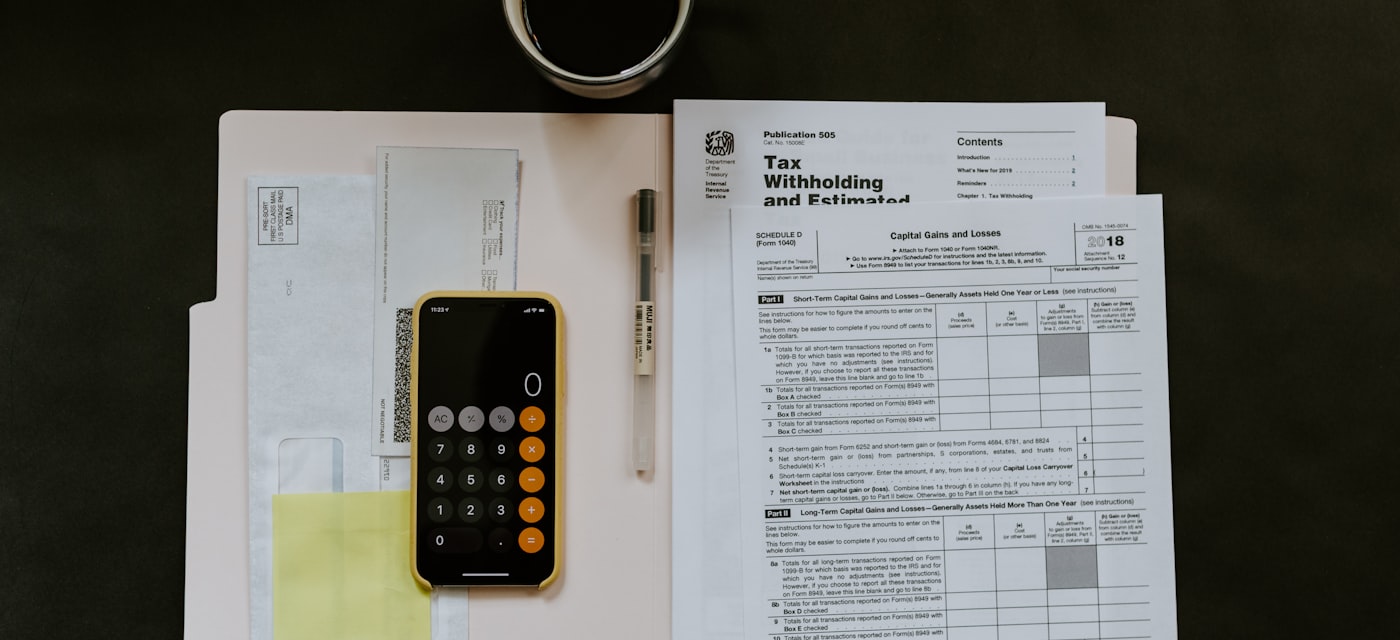
You just received an invoice showing a total of £240. Your accounting software needs the net amount and the VAT amount as separate figures. You could grab a pen, remember the formula, and hope you get the maths right — or you could type the gross price into PercentSnap and have both numbers instantly. The app lets you add or remove VAT at any rate, works offline, and supports 17 languages.
Download PercentSnap free: iOS | Android
Whether you prefer to calculate by hand or use an app, this guide walks you through the reverse VAT formula, shows you exactly why a common shortcut gives the wrong answer, and provides ready-to-use examples for the most popular tax rates worldwide.
The Reverse VAT Formula
When a price already includes VAT (a gross price), you need to work backwards to find the net price — the amount before tax was added. The formula is straightforward:
Net Price = Gross Price / (1 + VAT Rate)
Once you have the net price, the VAT amount is simply the difference:
VAT Amount = Gross Price − Net Price
The VAT rate must be expressed as a decimal. For a 20% VAT rate, you divide by 1.20. For 19%, you divide by 1.19. For 21%, you divide by 1.21. The pattern is always the same: take the percentage, move the decimal point two places to the left, add 1, and divide.
Why You Cannot Just Subtract the VAT Percentage
This is the single most common mistake people make with reverse VAT calculations, and it costs businesses real money. Let us look at a concrete example.
Suppose the gross price is £120 and the VAT rate is 20%. Many people instinctively calculate 20% of £120, which is £24, and subtract it to get £96. That answer is wrong.
Here is why. The original net price was £100. VAT of 20% was added to that £100, giving £20 of tax and a gross total of £120. If you subtract 20% of £120 (which is £24) you overshoot, because you are calculating 20% of the larger number — the gross — instead of 20% of the smaller number — the net.
The correct calculation: £120 / 1.20 = £100 net. The VAT is £120 − £100 = £20. That is a £4 difference on a single transaction. Multiply that error across hundreds of invoices and you have a serious accounting problem.
Step-by-Step Examples
Example 1: UK 20% VAT
You receive a UK invoice for £120.00 including 20% VAT.
- Identify the VAT rate as a decimal: 20% = 0.20
- Add 1: 1 + 0.20 = 1.20
- Divide the gross price: £120.00 / 1.20 = £100.00 (net price)
- Subtract to find the VAT: £120.00 − £100.00 = £20.00 (VAT amount)
Your bookkeeping entry: net £100.00, VAT £20.00, total £120.00.
Example 2: Germany 19% VAT (Mehrwertsteuer)
A German supplier sends an invoice for €595.00 including 19% MwSt.
- VAT rate as a decimal: 19% = 0.19
- Divisor: 1 + 0.19 = 1.19
- Net price: €595.00 / 1.19 = €500.00
- VAT amount: €595.00 − €500.00 = €95.00
If you had mistakenly subtracted 19% of €595 (which is €113.05), you would have calculated a net of €481.95 — an error of €18.05.
Example 3: US Sales Tax (Variable Rates)
The United States does not use a single national VAT. Instead, sales tax rates vary by state, county, and even city. New York City charges 8.875%, Los Angeles County charges 10.25%, and some states like Oregon charge 0%. The reverse formula works exactly the same way regardless of the rate.
For a $108.875 receipt in New York City (8.875% sales tax): $108.875 / 1.08875 = $100.00 before tax. For a $110.25 receipt in Los Angeles (10.25%): $110.25 / 1.1025 = $100.00 before tax.
Because US tax rates can be unusual decimals, a calculator is especially useful. PercentSnap lets you set any custom tax rate — even something like 8.875% — and instantly shows both the pre-tax price and the tax amount.
Download PercentSnap free: iOS | Android
Common VAT Rates by Country
Here is a quick reference table for standard VAT rates across popular markets. Reduced rates exist in most countries for specific goods and services but the standard rate applies to the majority of transactions.
| Country | Standard VAT Rate | Divisor |
|---|---|---|
| United Kingdom | 20% | 1.20 |
| Germany | 19% | 1.19 |
| France | 20% | 1.20 |
| Spain | 21% | 1.21 |
| Italy | 22% | 1.22 |
| Netherlands | 21% | 1.21 |
| Austria | 20% | 1.20 |
| Czech Republic | 21% | 1.21 |
| Poland | 23% | 1.23 |
| Turkey | 20% | 1.20 |
| India (GST) | 18% | 1.18 |
| Japan (Consumption Tax) | 10% | 1.10 |
| South Korea (VAT) | 10% | 1.10 |
| Indonesia (PPN) | 11% | 1.11 |
| Vietnam (VAT) | 10% | 1.10 |
PercentSnap supports 17 languages, so you can calculate VAT in your local currency and language no matter where you are doing business.
When You Need Reverse VAT Calculation
Removing VAT from a gross price is not an obscure accounting trick — it comes up constantly in everyday business. Here are the most common situations:
- Invoice processing. Suppliers often quote VAT-inclusive prices. Your accounting system needs the net and VAT amounts entered separately for correct tax reporting.
- Accounting and financial reports. Profit-and-loss statements use net revenue figures. If your point-of-sale system records gross totals, you need to reverse-calculate every line item.
- Refunds and credit notes. When a customer returns a product, you must break the refund into its net and VAT components so both your books and your VAT return are accurate.
- Import and export. Cross-border transactions often require you to strip one country's VAT before applying another country's rate. Getting the first step wrong cascades through the entire calculation.
- Expense claims. Employees submitting receipts for reimbursement may need to separate the VAT-reclaimable portion from the net cost.
- Freelancer invoicing. If you are a freelancer who quotes prices inclusive of tax for simplicity, you still need to know the exact net amount when filing your tax return.
If you regularly deal with any of these scenarios, having a reliable calculator on your phone saves time and eliminates rounding errors. You might also find our guide on how to find the original price before a discount useful — it uses a similar reverse-calculation approach.
The Easiest Way: PercentSnap VAT Calculator
You can absolutely do reverse VAT calculations with a pen and paper, a spreadsheet, or even a basic calculator. But if you process invoices regularly, deal with multiple tax rates, or simply want a faster workflow on your phone, PercentSnap is built for exactly this.
- Add or remove VAT. Toggle between adding VAT to a net price and removing VAT from a gross price with a single tap.
- Any VAT rate. Set any percentage — 20%, 19%, 21%, 8.875%, or any custom rate your jurisdiction requires.
- Works completely offline. No internet connection needed. Use it in a warehouse, at a trade show, or on a flight.
- History and pinned calculations. Every calculation is saved automatically. Pin the ones you reference often — like your standard VAT rate — for instant access.
- 17 languages. The interface is fully localized in English, Spanish, Portuguese, French, German, Italian, Japanese, Korean, Chinese (Simplified and Traditional), Arabic, Hindi, Indonesian, Vietnamese, Turkish, Polish, and Russian.
- Beyond VAT. PercentSnap also calculates discounts, markup vs margin, percentage change, and tip amounts — everything percentage-related in one app.
No ads, no subscriptions, no data collection. Just fast, accurate percentage calculations.
Download PercentSnap free: iOS | Android
Frequently Asked Questions
Why can't I just subtract the VAT percentage from the gross price?
Because VAT was calculated on the net price, not on the gross price. The gross price is already larger than the net, so taking a percentage of it produces a bigger number than the actual VAT. For example, 20% of a £120 gross price is £24 — but the real VAT was only £20, calculated as 20% of the £100 net price. You must always divide by (1 + rate), not subtract the percentage.
How do I calculate VAT from a net price?
That is the forward calculation and it is simpler: multiply the net price by the VAT rate. For a £100 net price at 20% VAT: £100 × 0.20 = £20 VAT. The gross total is £100 + £20 = £120. PercentSnap handles both directions — just toggle between “Add VAT” and “Remove VAT.”
Does PercentSnap work with different tax rates?
Yes. You can enter any rate from 0% to 999%. Whether you need the UK's 20%, Germany's 19%, Hungary's 27%, or a US city-level sales tax like 8.875%, PercentSnap handles it. You can also pin your most-used rates for one-tap access.
What is the difference between VAT and sales tax?
VAT (Value Added Tax) is collected at every stage of production and distribution, with each business reclaiming the VAT it paid on inputs. Sales tax is typically collected only at the final point of sale to the consumer. Despite this structural difference, the reverse calculation formula is identical for both: divide the total by (1 + rate).
Can I use this formula for reduced VAT rates?
Absolutely. Some countries apply reduced rates to essentials like food or books — for example, the UK charges 5% on home energy and 0% on most food. Just use the applicable rate in the formula. For a £105 bill at 5% VAT: £105 / 1.05 = £100 net.